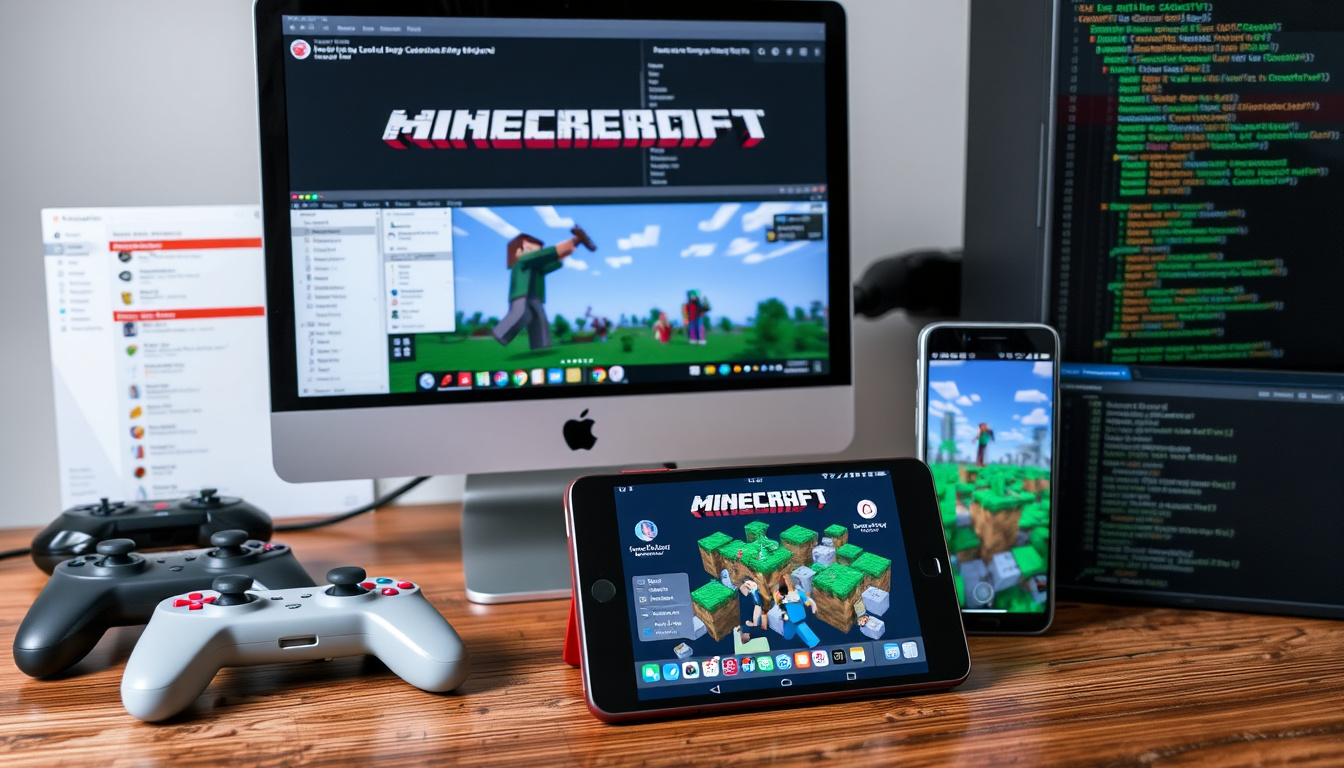
Modding Minecraft unlocks endless possibilities, but the process differs drastically between Java and Bedrock Editions, and safety hinges on using the right tools and sources. This guide cuts through the noise, delivering edition-specific steps for installing mods on CurseForge, Modrinth, and the official Marketplace, with a hard focus on version matching and malware avoidance.
Number of mods on CurseForge: 100,000+ | Minecraft active players (2024): 140 million | Modrinth mods indexed: thousands
Java Edition Modding
- Use Forge or Fabric mod loaders CurseForge Blog
- Mods are .jar files CurseForge Blog
- Large community and variety
Bedrock Edition Modding
- Add-ons are the equivalent Sunday Report
- Install via marketplace or file import Minecraft.net
- Limited compared to Java
Mobile Modding
- Bedrock on Android/iOS supports add-ons Sunday Report
- Requires file manager or app
- Similar to Bedrock desktop
Safety Tips
- Download only from trusted sites Minecraft.net
- Check mod reviews and download counts
- Use antivirus scans
| Metric | Value |
|---|---|
| Minecraft release year | 2011 |
| Java Edition modding community active since | 2010 |
| Bedrock add-ons introduced | 2016 |
| Most popular mod loader | Forge (Java) |
How to mod Minecraft Bedrock Edition?
Bedrock Edition mods are called add-ons, and the easiest and safest way to get them is through the Minecraft Marketplace. Microsoft and Mojang both recommend Marketplace purchases because the content is curated and automatically installed.
How to download mods for Minecraft Bedrock on mobile
On mobile devices, you need a file manager app to handle .mcaddon or .mcpack files. After downloading a add-on from a trusted source, open the file; Minecraft should launch and import it automatically. You can enable the add-on under Behavior Packs or Resource Packs when creating a new world, as noted by a third-party guide.
How to install mods on Minecraft PE
Minecraft PE (Pocket Edition) is the same as Bedrock Edition on mobile. The process mirrors the desktop version: download an add-on file, open it in the game, and activate it in your world settings.
Best mods for Minecraft Bedrock
The Marketplace features thousands of add-ons, including popular survival expansions and cosmetic packs. Since 2024, the official add-ons system has made discovering high-quality content simpler.
How to mod Minecraft Java Edition?
Modding Java Edition requires installing a mod loader like Forge or Fabric first. These loaders create a separate profile in the Minecraft Launcher that can accept .jar mod files.
How to install Forge or Fabric
To install Forge, visit the official Forge site, select your Minecraft version, download the installer, and run the .jar file. After installation, open the Minecraft Launcher once to generate the mods folder. Fabric users often need the Fabric API because many Fabric mods depend on it, according to Craftdex.
Where to find Java mods (CurseForge, Modrinth)
CurseForge and Modrinth are the two largest repositories for Java mods. CurseForge hosts over 100,000 mods, while Modrinth indexes thousands. Both allow you to filter by game version and loader.
How to set up a modded Minecraft profile
- Install the mod loader (Forge, Fabric, or NeoForge).
- Open the Minecraft Launcher once to generate the mods folder.
- Download mods from CurseForge or Modrinth, ensuring version compatibility.
- Place the downloaded .jar files directly into the mods folder (default: %APPDATA%\.minecraft\mods on Windows).
- Launch the game from the loader profile.
The pattern: using the CurseForge app simplifies steps 2-4 by automatically managing profiles and mod files.
How to get free Minecraft mods?
Thousands of high-quality mods are available for free on CurseForge and Modrinth. These platforms are community-driven and generally safe, but caution is still necessary.
Legitimate sources for free mods
Stick to CurseForge, Modrinth, and the official Minecraft Marketplace. Avoid random download sites that promise “free mods” but lack user reviews or transparent download counts.
Are free mods safe?
Most free mods on CurseForge and Modrinth are safe, but no platform is immune. Check the mod’s download count, recent reviews, and the author’s reputation before installing.
How to avoid malware
- Only use CurseForge, Modrinth, or the Marketplace. Minecraft.net confirms the Marketplace is the safest source for Bedrock.
- Scan downloaded .jar or .mcaddon files with antivirus software.
- Avoid mods that require you to disable your antivirus.
The implication: safety starts with source selection, not after the download.
How to install Pokémon mod in Minecraft?
Pokémon mods are among the most popular community creations. For Java Edition, Pixelmon and Cobblemon lead the field; for Bedrock, a few add-ons exist on the Marketplace.
Popular Pokémon mods: Pixelmon, Cobblemon
Pixelmon is the most downloaded Pokémon mod for Java, adding hundreds of Pokémon, battles, and gyms. Cobblemon is a newer alternative that focuses on a more modern codebase and performance.
How to install Pixelmon on Java Edition
Pixelmon requires Forge. After installing Forge for your Minecraft version, download the Pixelmon mod from CurseForge, place the .jar file in the mods folder, and launch.
How to play Pokémon mod on Bedrock
Bedrock users can find Pokémon-themed add-ons on the Marketplace. These are less feature-rich than Java counterpart but integrate seamlessly with the native game.
How to change Minecraft skins with mods?
Skin mods let you customize your character’s appearance beyond the default options. Java Edition has dedicated mods like CustomSkinLoader, while Bedrock relies on skin packs from the Marketplace.
Mods that allow custom skins
CustomSkinLoader for Java Edition lets you load skins from various online sources automatically. For Bedrock, skin packs purchased from the Marketplace are the easiest route.
How to use skin packs
On Bedrock, skin packs install like any other add-on: download from Marketplace, apply from the Dressing Room. On Java, mods like CustomSkinLoader handle the process without manual file management.
Difference between skin mods and resource packs
Skin mods change only the player model texture. Resource packs overhaul the entire game’s visuals, including blocks, items, and mobs. Both can be used together for a complete visual overhaul.
Comparing CurseForge and Modrinth
Both platforms serve Java modders, but slight differences matter. CurseForge has a larger library and an official app, while Modrinth offers a cleaner interface and stricter moderation.
| Feature | CurseForge | Modrinth |
|---|---|---|
| Mod count | 100,000+ | Thousands |
| Official app | Yes | No |
| Filter by loader | Yes (Forge, Fabric, etc.) | Yes (Forge, Fabric, etc.) |
| Malware scanning | Yes | Yes |
The catch: CurseForge’s larger library means more choice, but Modrinth’s curated approach may help you find higher-quality mods faster.
Safety checklist for modders
Follow these steps every time you download a mod to keep your system safe and your game stable.
- Download mods only from CurseForge, Modrinth, or the official Minecraft Marketplace.
- Check that the mod’s Minecraft version and loader version match your setup.
- Read recent user reviews and check the download count.
- Scan the downloaded file with antivirus software before opening.
- Back up your Minecraft saves before adding new mods.
Related reading: Mini Dachshund Guide: Pros, Cons, Cost & Health Risks · Siberian Cat Breed Guide: Personality, Care & Pros/Cons
modrinth.com, curseforge.com, ncesc.com, minecraft-serverhub.com, support.aternos.org, publicjournal.co.uk, support.curseforge.com, craftdex.net, space-node.net, politikinsider.se
For a practical walkthrough that covers Java, Bedrock, and mobile editions, check out this guide to modding Minecraft on all platforms.
Frequently Asked Questions
What is the best mod loader for Minecraft Java?
Forge remains the most popular due to its massive library, but Fabric is gaining ground for its lightweight design and faster updates. Choose based on which mods you want to play.
Can I mod Minecraft on Xbox?
Xbox versions of Minecraft are Bedrock Edition, which only supports add-ons from the Marketplace. You cannot install custom .mcaddon files on console.
Do mods work on Minecraft Realms?
Realms only supports behavior packs and resource packs, not Java Edition mods or loaders. Add-ons must be pre-approved by Mojang.
How do I uninstall a Minecraft mod?
Remove the mod’s .jar file from the mods folder (Java) or disable the add-on in the world settings (Bedrock). Delete the file completely to ensure the mod is gone.
Are Minecraft mods allowed on servers?
Most servers allow client-side mods like minimaps or performance mods. Server-side mods require the server to have the same mods installed. Check the server’s rules before joining.
What is the difference between a mod and a resource pack?
Mods change game mechanics, add new items, or alter code. Resource packs only change textures, sounds, and models without modifying game logic.
“CurseForge’s Java Edition mod guide says the simplest route is to use its app, click Install on a mod page, and launch Minecraft from the app.”
CurseForge Blog
“Minecraft’s official add-ons page says the easiest and safest way to get add-ons in Bedrock Edition is through the Marketplace or PlayStation Store.”
Minecraft.net
Safety first: edition-aware modding
The contrast between Java and Bedrock modding is stark. Java offers near-total flexibility but demands technical care; Bedrock simplifies installation but limits creative control. Both editions benefit from sticking to trusted repositories.
For Java, Forge remains the most popular loader. For Bedrock, the Marketplace is the safest starting point. Mobile users face extra steps with file managers but can still enjoy add-ons.

Arthur Oliver Howard Fletcher is a staff writer for NationalReport.uk, covering UK national news, politics, the economy and public services. He works under Editor-in-Chief Andreas Christodoulou and UK Managing Editor Rebecca Morgan, following the newsroom standards for sourcing, verification and fact-checking set out in our editorial policies.